How to Build and Deploy a Website with AI
You no longer need to code or pay a developer to get a website online. Learn why AI can now build websites, why it is faster, and the five simple steps to build and deploy yours, from your first prompt to a live site.
Five years ago, building a website meant paying a developer more than $1,000 or spending months learning how to code yourself, and either way it usually took weeks or even months before anything was ready to share, which is why so many good ideas never reached the internet, simply because their owners did not have the money, the time or the technical skills to build them.
Today that has changed, because you can describe the website you want in plain words, let AI build it for you, and put it live on the internet on the same day, and the best part is that a complete beginner can do it while a developer can do it faster than ever before.
In this article, we explain how AI can generate websites, where it can save time, and how to build and deploy your own site in five steps. We use Lahyer Studio as our example, but the same principles apply to other AI website builders.
Why AI can now build websites and write code
For much of the web’s history, the hardest part of building a website was turning an idea into code. Even a simple site could require HTML for structure, CSS for styling, JavaScript for interactions, a framework to organize the code, and a host to make the finished site available online. Learning all of these skills took time. Three developments made this possible.
First, large language models (LLMs), the technology behind many AI tools, have learned from large collections of code and text. They can interpret a written description and generate page layouts, styling, interface elements, and draft copy. The generated code can run, but it still needs review.
Second, AI builders combine these models with a live preview, a chat for revisions, and a publishing workflow. You can see and refine a site without setting up a separate code editor or hosting account.
Third, the work has shifted: clear instructions and thoughtful review matter alongside coding. A founder, creator, or teacher can create a first draft, while developers can skip repetitive setup and focus on custom functionality.
It also helps to know what happens when you select Build. The AI interprets your prompt, plans the pages and sections, and generates the code and styling, often using a modern framework such as React. The builder then runs the project so you can review it in a preview. The AI also has to fill gaps in your instructions. If you do not specify the site’s purpose, audience, or visual direction, its choices may feel generic.
Why you should build with AI
- It is faster: A first version can appear in minutes instead of weeks. You can request changes in plain language, review the result, and refine it again. That shorter feedback loop makes it easier to try several ideas without a lengthy handoff to a designer.
- It costs less to try: AI lowers the cost of testing an idea. When a first version is quick to create, you can explore a business website, portfolio, or new product concept before investing significant time or money.
- You stay in control: You can request changes in plain language and review each result. If you want to inspect the code or hand the project to a developer, you can continue working with the source code.
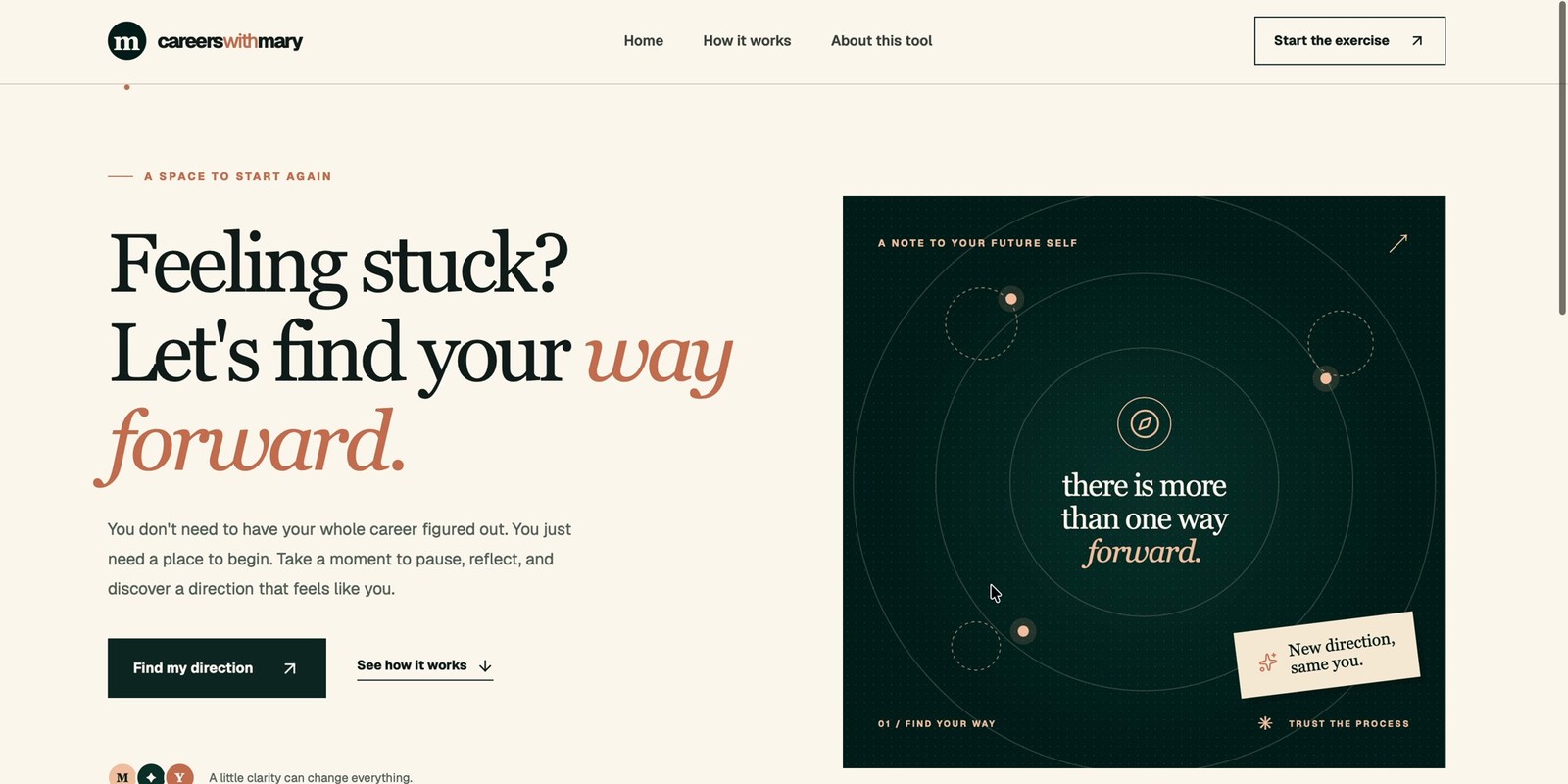
- It makes more people builders: You no longer need to be a developer to create something useful for the web. For example, our team used Lahyer Studio to build a career redirection tool: a short series of questions that helps people assess where they are in their careers and consider what to do next.
How to build and deploy a website with AI
The process comes down to five steps.
Step 1: Write a clear prompt
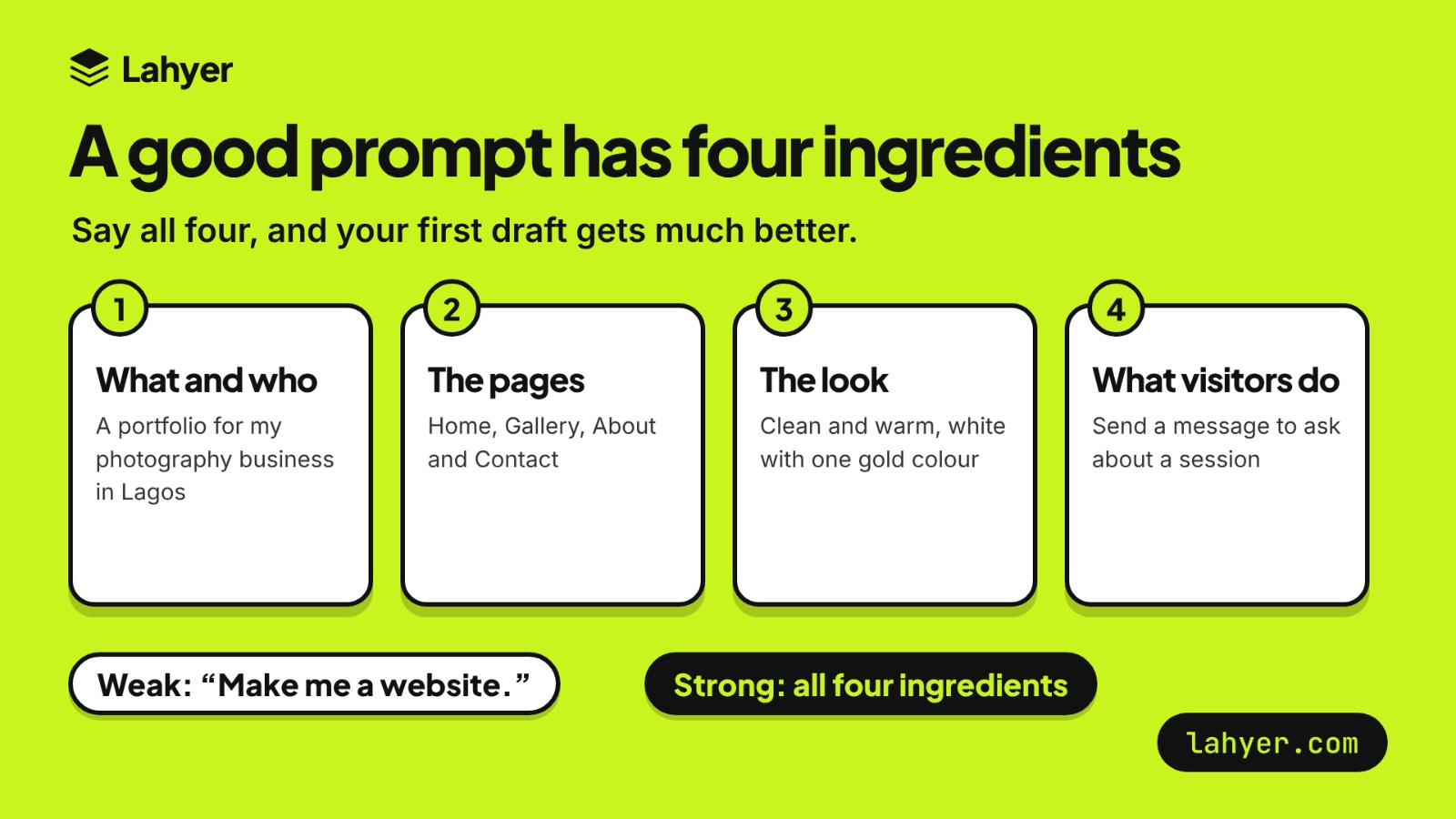
A prompt is the description you give the AI, and it strongly influences the first version. Because the AI fills in details you leave out, a vague prompt can produce a generic site. Be specific about what the site is, who it serves, which pages it needs, the visual direction, and what visitors should be able to do.
Compare these two prompts:
Weak: “Make me a website.
”Strong: “A portfolio website for my photography business in Lagos, for couples and families. Pages: Home, Gallery, About, Services and Contact. A clean, warm look with a white background and one gold accent colour. The home page should show my best photos at the top. Add a contact form where people can ask about a session.”
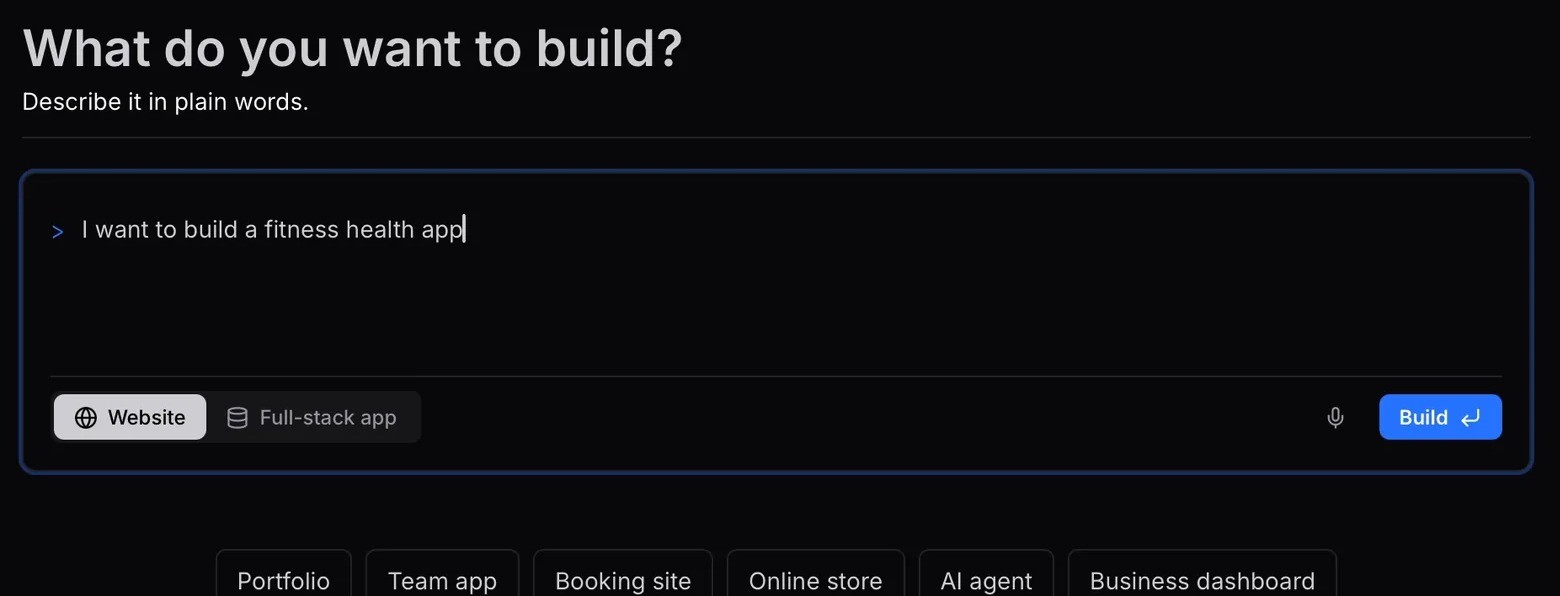
In Lahyer Studio, you can choose Website for pages and content, such as a portfolio, landing page, or company site. Choose Full-stack app when people need to sign in or information needs to be stored, as with a team tool or booking system.
Step 2: Generate a first version and review it
Build the first draft, then look through the preview as if you were a visitor. Does the home page explain what the site offers? Are the important sections easy to find? Does the main action, such as contacting you or viewing your work, stand out?
Check the site at both desktop and phone sizes. A layout that looks good on a large screen may feel crowded or difficult to navigate on a smaller one. At this stage, focus on the overall structure and whether the site serves its purpose. You can polish small details later.
Step 3: Improve the site one change at a time
When something needs work, describe the specific change you want. For example:
- “Show the gallery as three columns on desktop and one column on mobile.”
- “Make the contact button easier to see.”
- “Add a Services section below the introduction.”
- “Keep the header and colors, but rewrite the About section for families.”
Specific requests make it easier to judge whether the change worked. After each revision, review the preview again. If the result isn’t right, explain what needs adjusting. It’s usually easier to make progress with a few focused changes than with one broad request to “make the site better.”
Step 4: Add your content and test the site
An AI builder can draft copy, but you’ll need to make sure it reflects your actual business, work, or event. Replace placeholder text with accurate details. Add your own photos, logo, services, and contact information. Use images you have permission to publish, and resize large files so they don’t slow the page down.
Before publishing, test the details visitors will rely on:
- Open the site on a phone and a computer.
- Click every link, button, and menu item.
- Submit each form and check where the message goes.
- Look for spelling mistakes and leftover sample text.
- Check that headings are clear and images have useful alt text.
- Make sure interactive elements can be used with a keyboard.
If the site handles accounts, payments, or personal information, take extra time to review how those features work. Check who can access the data, how user input is handled, and where passwords or API keys are stored. A preview that looks right doesn’t guarantee that sensitive features are secure.
Step 5: Deploy and publish your website
A preview lets you work on the site before visitors can access it. Deployment takes the version you’ve reviewed and makes it available online. Depending on the tool, you may publish with one click or connect the project to a hosting service or code repository. Once deployed, the site will have a public URL. Open it on a phone and computer, then repeat your main checks. Confirm that pages load, links work, forms submit, and the published version matches the one you reviewed. With Lahyer, you can publish the project from one place and share its live URL.
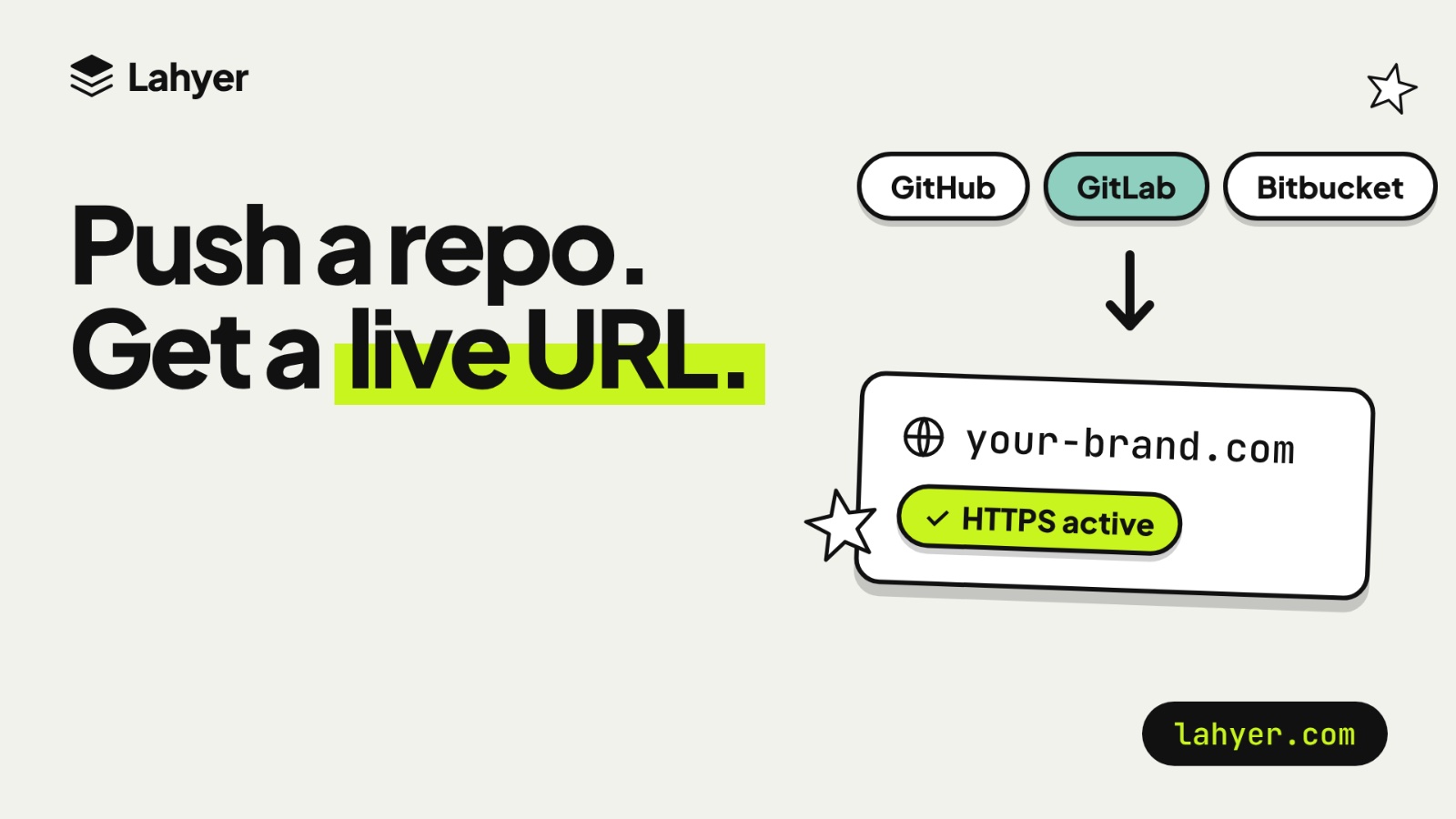
Building a website can now take less time and fewer setup steps. With Lahyer, you can move from a clear idea to a first version you can review, test, and share. You can publish, connect a domain, and use managed HTTPS in the same workspace. If your project needs logins and stored data, choose a full-stack app with a managed database. If you already have code, deploy it from a connected repository. Every account includes 30 Studio credits each month, with no card required, so you can try an idea before paying.
Ready to try it? Start with one clear idea and describe what you want to make on Lahyer,